
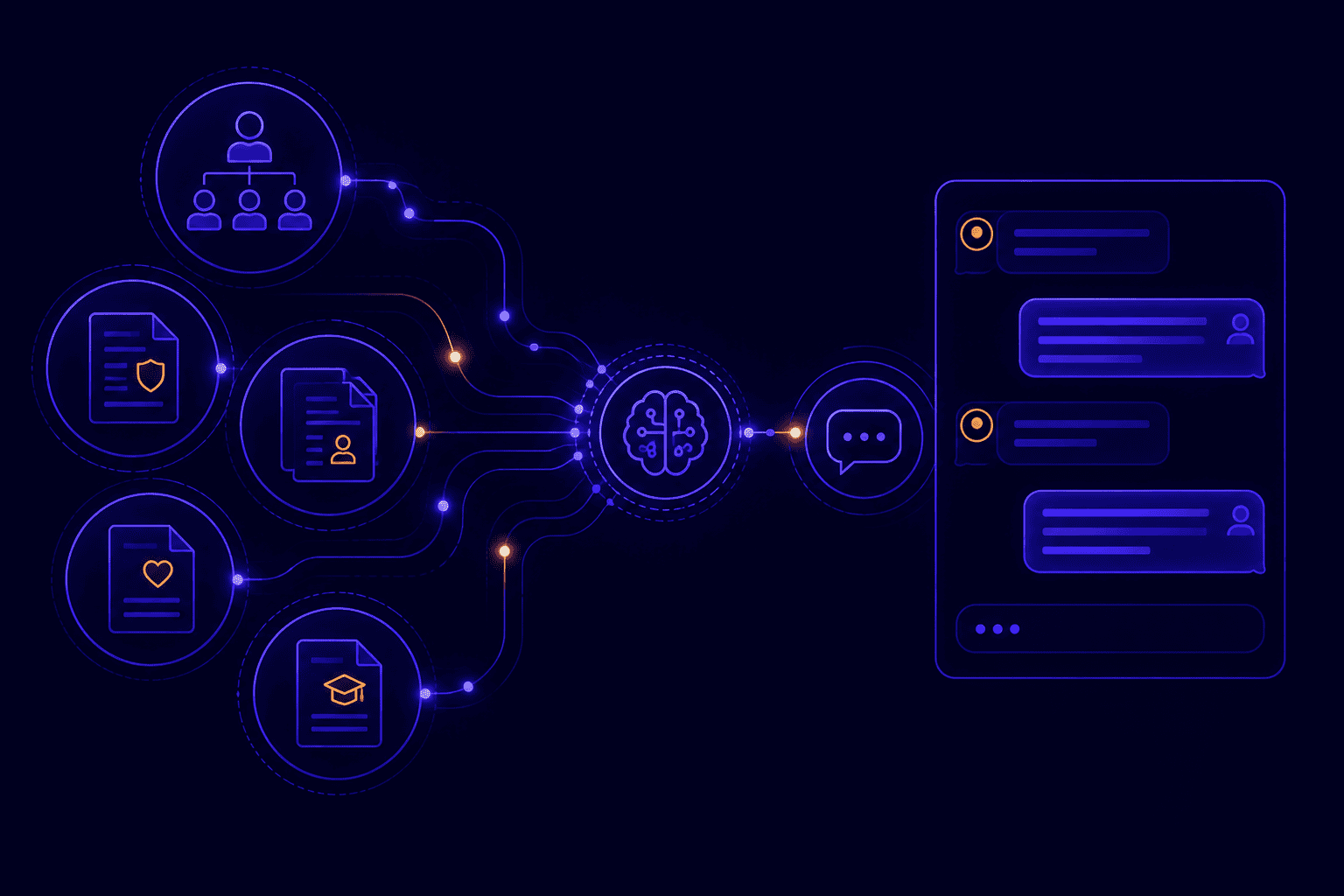
HR teams spend a disproportionate share of their week answering questions that already have a written answer somewhere. What is the PTO accrual rate? How do I submit an expense report? When does benefits enrollment close? These questions recur across every onboarding cohort, every fiscal year cycle, every new hire who has not found the right page in the intranet. A RAG chatbot connects your existing HR documentation to a conversational AI, so employees get answers in seconds and the HR team recovers hours every week.
Why HR knowledge bases fail employees
HR intranets contain the right information. The problem is that employees cannot find it quickly enough to stop asking someone instead.
The average company has its HR policies distributed across SharePoint, a Confluence wiki, a PDF handbook, and a series of email announcements that were never consolidated. An employee with a benefits question knows the answer exists somewhere. They search, get a list of documents, open three files, and give up after ninety seconds. The path of least resistance is to email HR.
This is not a documentation problem. Most HR teams have thorough, up-to-date policy documents. It is a retrieval problem. Employees cannot search across fragmented sources with natural language, and they cannot ask a follow-up question when the first result is not quite right.
A RAG chatbot solves the retrieval layer without touching the documentation layer. Your HR team keeps maintaining documents in SharePoint, Confluence, or Google Drive exactly as today. The chatbot indexes those sources and answers questions from them directly, citing the source document so employees can verify the answer and read the full policy if needed.
What HR documents to connect to your RAG chatbot
Index any document an employee might need to find: handbooks, policy PDFs, onboarding guides, benefits summaries, and Confluence wikis. Exclude personal records and performance files.
The most valuable HR knowledge base sources for a RAG chatbot:
Employee handbook: the core policy document. A chatbot that indexes the full handbook can answer most recurring HR questions directly, from dress code to disciplinary procedure, without requiring the HR team to be the lookup mechanism.
PTO and leave policies: PTO accrual schedules, carryover rules, parental leave eligibility, sick leave provisions, and request submission deadlines are among the most frequently asked HR questions. These are also the questions where an incorrect answer from the HR team creates legal risk. A RAG chatbot answers from the official policy document, reducing the risk of inconsistent oral guidance.
Benefits documentation: health insurance plan summaries, enrollment windows, dependent coverage rules, FSA and HSA contribution limits, 401(k) match schedule. Benefits questions spike at enrollment windows and during major life events. The chatbot handles volume without requiring the HR team to scale headcount seasonally.
Onboarding guides and checklists: new hire checklists, equipment request procedures, system access request workflows, probation period policies. Onboarding chatbots reduce the load on both the HR team and the hiring manager during a period when new hires generate disproportionate support volume.
Compliance and training: mandatory training schedules, harassment policy, code of conduct, data protection procedures (especially important for European employees under GDPR obligations). A chatbot that can confirm what training is required by when reduces compliance gaps caused by employees not finding the relevant schedule.
What not to index: personal employee records, individual compensation data, performance review documents, disciplinary files. These contain personal data and require human judgment when accessed. They belong in your HRIS, not in the chatbot knowledge base.
Key HR chatbot use cases
A well-scoped HR chatbot deflects 60-70% of tier-1 HR inquiries: policy lookups, process questions, deadline reminders, and document location.
The use cases where RAG chatbots deliver the clearest ROI for HR:
Policy lookup at scale: “How many PTO days carry over at year end?” “Is my contractor covered under the parental leave policy?” “What is the expense report submission deadline?” These questions have definitive answers in existing documents. A RAG chatbot answers them in under 5 seconds, 24/7, without queuing behind an HR inbox.
Onboarding acceleration: new hires generate 3-5 times more HR questions than established employees. An onboarding chatbot available in Teams or Slack from day one handles the first-week question volume without requiring a dedicated HR onboarding coordinator for each cohort. It also answers questions outside business hours, which matters for distributed teams.
Benefits season support: open enrollment windows create predictable HR volume spikes. The chatbot handles the question volume without requiring temporary HR staff, and it answers at 9 PM when an employee is comparing plan options from home.
Process guidance: “How do I submit a remote work request?” “What do I need to do to add a dependent to my health plan?” Procedural questions require multi-step answers that are hard to find in document libraries but straightforward for a RAG chatbot trained on your process documentation.
Manager enablement: people managers are often the first point of contact for employee HR questions. A manager-facing chatbot gives them access to HR policy context without requiring them to escalate to HR for every question, reducing the load on the HR business partners.
Deploying an HR intranet chatbot without code
Connect SharePoint or Confluence to a no-code RAG platform, configure document permissions, and deploy to Teams or Slack. Initial setup under 30 minutes.
No-code RAG platforms eliminate the development work historically required to build an HR chatbot. The deployment sequence:
Step 1: connect your document sources. Authenticate the RAG platform to your SharePoint tenant, Confluence workspace, or Google Drive using the platform’s native connectors. No custom API integration required. The connector indexes documents within your configured folders or spaces and maintains sync as documents are updated.
Step 2: configure access control. Define which document categories each employee group can access. Sensitive HR documents are restricted to HR admins or managers. General policy documents are available to all employees. Access control at this layer ensures the chatbot respects the same boundaries as your intranet.
Step 3: tune the knowledge base. Exclude outdated documents, adjust chunking for long policy PDFs, and verify that the chatbot answers sample questions correctly before going live. Most no-code platforms include a test interface for this before deployment.
Step 4: deploy the channel. Publish the chatbot to your employee communication tool. Microsoft Teams and Slack are the highest-adoption channels for HR chatbots because employees are already there. A web widget on the intranet homepage is a useful second channel for employees who are not in Teams or Slack.
Step 5: configure escalation. Define what happens when the chatbot cannot answer. A structured escalation to the HR inbox, or a direct link to the HR contact for the relevant topic, ensures employees are never left without a path forward.
The full deployment from first connector authentication to live Teams bot completes in under one business day with a purpose-built no-code platform. See RAG Weaver’s deployment guide for Microsoft Teams and SharePoint for the specific configuration steps.
GDPR considerations for HR RAG chatbots
HR chatbots in Europe must run on EU infrastructure or on-premise. Log conversation data with explicit retention limits. Never ingest personal employee records.
European HR teams face specific compliance requirements that affect chatbot deployment architecture:
Data residency: HR conversations may contain references to individual situations or personal data shared in the course of asking a question. Under GDPR, this data must be processed in the EU. A US-hosted chatbot platform creates Cloud Act exposure: US authorities can compel access to data stored on US-owned infrastructure regardless of physical server location. An EU-hosted SaaS platform (OVH, Scaleway, Hetzner) or on-premise deployment eliminates this exposure.
Conversation logging: the chatbot should log conversations with a defined retention period (typically 30 to 90 days) that is documented in your Record of Processing Activities. Indefinite logging of employee HR queries is not compliant. Employees should be informed that their queries to the chatbot are logged, either through the chatbot’s first interaction or through the company’s internal privacy notice.
Personal data in queries: train employees not to include personal data in chatbot queries. “How much PTO do I have left?” is a question the chatbot cannot answer from policy documents (it does not have access to individual leave balances) and should escalate to the HRIS self-service portal. This boundary is a feature, not a limitation: it keeps personal data in the system designed to protect it.
DPA requirements: confirm that your RAG platform vendor provides a Data Processing Agreement meeting Article 28 GDPR requirements. Verify that the DPA covers the specific processing operations (document indexing, conversation logging, vector embedding generation) that the platform performs.
For a comprehensive GDPR compliance framework for enterprise knowledge base chatbots, see our GDPR checklist for enterprise knowledge base chatbots.
Measuring HR chatbot ROI
Measure deflection rate, HR inquiry volume reduction, and onboarding time-to-productivity. A well-deployed HR chatbot achieves 60-70% tier-1 deflection within 90 days.
HR chatbot ROI is measurable at the operational level without complex analytics infrastructure:
Tier-1 inquiry deflection rate: the percentage of chatbot conversations that resolve without escalation to the HR team. Baseline this from your current HR inbox volume before deployment. A production HR RAG chatbot typically achieves 60-70% deflection within 90 days, meaning the HR team handles roughly one-third of the query volume it managed before.
HR inbox volume reduction: track the weekly volume of HR email and Slack inquiries before and after chatbot deployment. A meaningful reduction in inbox volume is the most concrete measure of the chatbot’s operational impact.
New hire time-to-productivity: measure how quickly new hires complete their onboarding checklist and submit their first expense report or access request. An onboarding chatbot that handles first-week questions reduces the friction that slows new hire velocity.
Employee satisfaction score: a brief post-conversation satisfaction question (1-5 stars, optional) provides a leading indicator of knowledge base quality. Low scores on specific topics indicate documents that need improvement, not chatbot failures.
Coverage rate: the percentage of questions the chatbot answers from its knowledge base versus escalating. This metric identifies knowledge base gaps: topics that employees ask about but that are not yet covered in your indexed documents.
A practical baseline: track HR inbox volume for 30 days before deployment. At 90 days post-deployment, compare the reduction. For a team that handles 200 HR inquiries per week, a 60% deflection rate recovers approximately 6-8 hours of HR bandwidth per week.
Getting started with an HR intranet chatbot
Audit your existing HR documentation, identify the top 20 recurring employee questions, and deploy a pilot to one team before rolling out company-wide.
Before selecting a platform, a two-step preparation reduces deployment time and improves initial chatbot quality:
Audit your documentation: inventory the HR documents you intend to index. Identify outdated versions, duplicate policies, and documents that contradict each other. The chatbot will answer from whatever is indexed. If you index an outdated PTO policy alongside the current one, the chatbot may give inconsistent answers. Clean the document base before connecting it.
List your top 20 recurring questions: ask the HR team for the most common questions they answer by email or Slack. These are the chatbot’s primary use cases and the basis for testing before go-live. If the chatbot handles these 20 questions correctly in testing, it will handle the majority of production volume correctly.
Start with a pilot team: deploy to a single team or department first (100-200 employees). Collect questions that the chatbot escalated, review whether the escalated questions should have been answerable, and update the knowledge base accordingly. Roll out company-wide after the pilot stabilizes.
RAG Weaver connects to SharePoint, Confluence, Google Drive, Notion, and PDF document libraries with no custom development. The chatbot deploys to Teams, Slack, or your intranet as a web widget. For teams with data residency requirements, on-premise deployment runs the full stack on your infrastructure with zero external data transfer. View pricing or book a 20-minute deployment demo.